

Jane Smith
Founder & designer
Design studio
Willow & Finch Studio
Thoughtful identities and visual stories for ideas with room to grow.
Your own little corner of the internet. Bring your work, socials, bookings, menus, and updates together on one beautiful page. Share it with one link or a beautifully designed QR code.
One free page. One free QR. No ads.
Your work is already out there.
Help people take the next step.
What you offer. Where you work. How to book. Put the answers in one place, before the messages start.
A photo. A weekend special. Set the times once, and your Nook shows what’s on while you get on with the day.
Guests find the current menu and their way to you. When the weekend ends, the special quietly comes off the page.
Claimable Offers are coming soon. Photo added
In a message, a social bio or a group chat.
Give people somewhere to send their friends.
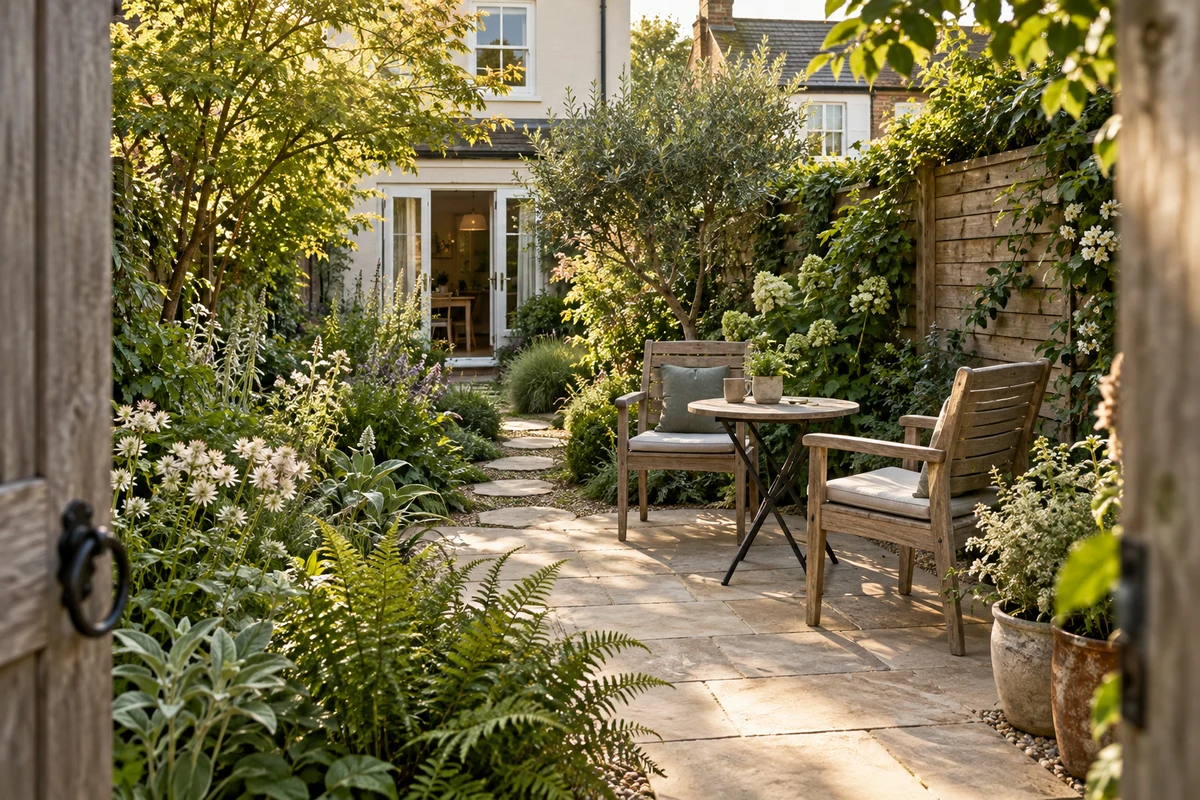
A neighbour shares your Nook. Someone sees you work on gardens like theirs, then gets in touch on WhatsApp. Your next conversation starts somewhere familiar.
Someone notices your work.
Make it easy to find the person behind it.
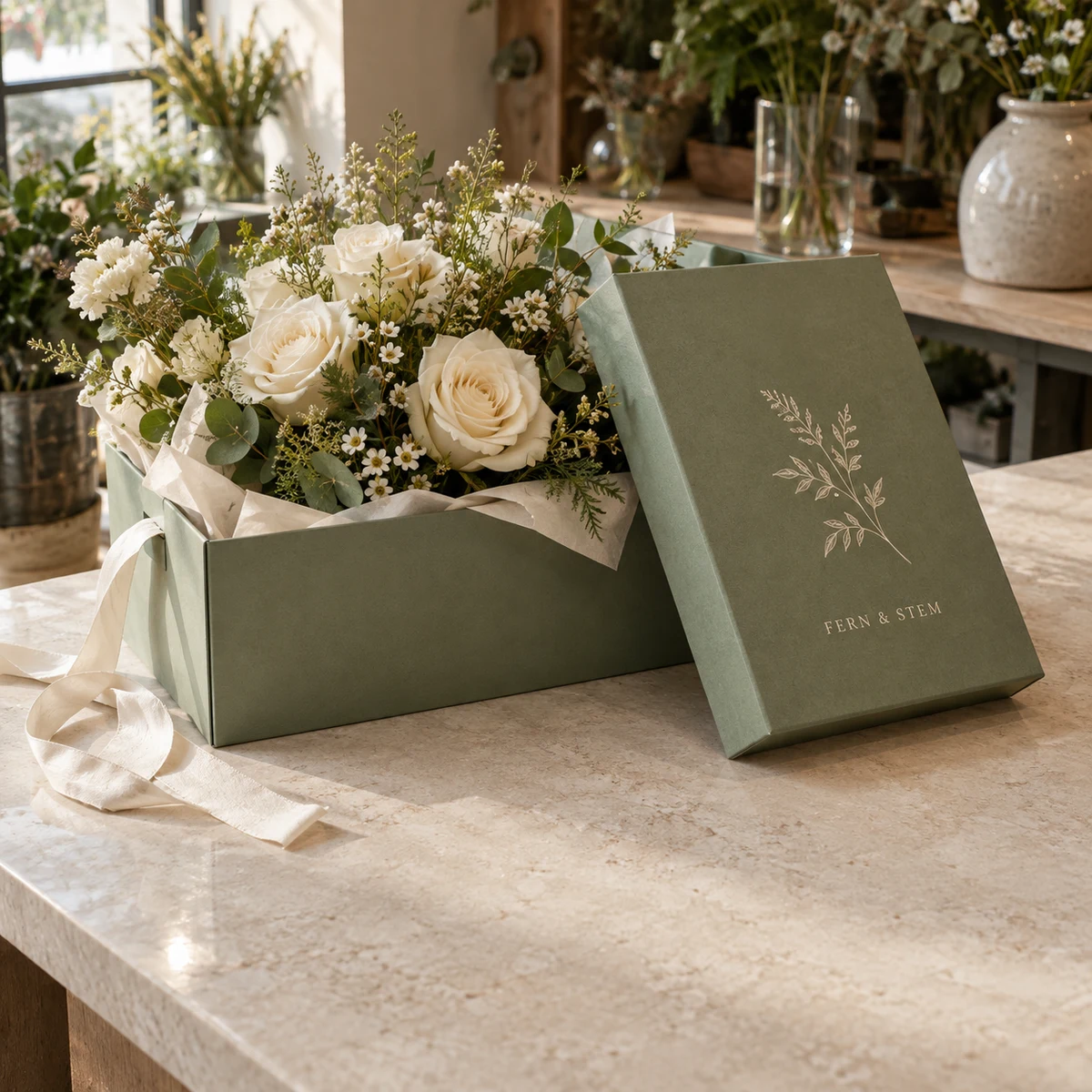
Someone admires your packaging at a flower shop. A scan introduces you. Your Nook gives them a closer look at your work, and a way to ask about their own project.
See which links people open.
Know what deserves a place at the top.
His photographs catch the eye. His Nook brings together the camera, boots and kit behind them.
People can browse his picks and shop where they already shop. Alex sees which links they open in his HereNook account.
Keep the tools and places you love.
Help people find their way to them.
A glimpse of your teaching. Reassurance from another beginner. Your Nook helps someone feel ready to join, then takes them to the booking service you already use.
A closer look at the details that help you make your Nook your own and understand what people come to see.
Bring links, socials, work and ways to get in touch together. Visitors can share your Nook and save your contact details. About is always included on Free, plus three spaces shared by links or Services, Booking and Gallery Nooklets. The All In can remove HereNook branding.
Put your name or business in the link. Free includes one name, The Essentials up to 10 and The All In up to 20. Both address styles lead to the same Nook. The All In also supports your own domain.
Choose colours, a cover, type and an optional Nookmate to make your Nook feel like yours.
Point it to your Nook or another public link. Design with your colours and logo, then download an image or print layout. Keep your Nook QR in Apple Wallet, or update a saved destination without reprinting.
Give links an image, host a PDF and schedule when a link appears or expires. Paid plans add unlimited links and all supported socials.
Free shows QR scans and Nook visits. Paid plans add link clicks and Nooklet insights, so you can see what people open.
For your first little doorway.
For your everyday possibilities.
For the ideas that keep growing.
Yes. You need an account to publish a HereNook page or save and download a QR. You can explore the editor before signing in. When you’re ready, sign in to keep your draft and manage your page or QR in your HereNook account.
A HereNook page brings your links, socials, work and ways to get in touch together. Publish it for a shareable page link and a QR. You can use either without a separate website. If you already have a site, you can make a QR or link to that instead.
Nooklets are the useful parts of a Nook, such as an introduction, services, a gallery or a booking step. About is always included on Free and does not use a space. Choose up to 3 links or Nooklets in any combination; Services, Booking and Gallery are the other Free choices. The Essentials and The All In include the other standard Nooklets. Explore Nooklets.
A QR can open your Nook or a public destination such as a shop, booking page, event or portfolio. Both The Essentials and The All In include hosted PDFs and document QRs. You can change the destination of a saved dynamic QR without reprinting it.
Yes. Free includes one QR and Nook page, About outside the limit, 3 spaces shared by links or Nooklets, 3 socials, contact saving, Apple Wallet, QR downloads, scan and visit insights, and no ads. The Essentials adds more pages and QRs, all standard Nooklets, unlimited links, PDFs, scheduling and richer insights. The All In adds more room and white-label pages. Paid pricing is coming soon.
Yes. Add your colours and logo to a QR. Choose a cover, type and an optional Nookmate to make your Nook feel like yours.
Yes. Choose an available name for your Nook, and share it as yourname.gonook.io or gonook.io/yourname. Both addresses lead to the same page. Free includes one personalised name, The Essentials up to 10 and The All In up to 20. Names must be available and follow our naming policy.
Yes. The All In supports a domain you already own. HereNook does not provide the domain. You will need to add a DNS record at your domain provider, and our team can help with setup.
Choose PNG, JPEG, or WebP at 1024, 2048, or 4096 pixels. You can also download a scalable SVG or vector PDF. Every format is available as a QR image, A6 packaging insert, or A5 counter card. Uploaded artwork still depends on its original quality.
Save your QR and download the finished artwork first. Keep strong contrast and the clear space around the pattern. Print a sample at the size you’ll actually use, then scan it with a few phones from the intended distance. Check the destination too. Don’t print the design preview.
Not yet. These are three separate Coming soon Nooklets: a time-limited offer, a coupon issued to one customer, and a staff-stamped loyalty card. When they launch, they will be paid add-ons for The Essentials and included with The All In.
Yes. HereNook creates a hosted link between the printed code and your destination. Open the saved QR to update where it leads without reprinting. Want a different look instead? Choose Duplicate & redesign so the original QR and its scan history stay untouched.
The printed pattern has no built-in expiry. To keep opening its destination, though, the QR depends on HereNook’s hosted service and a working destination. Deleting a QR stops its link from working.
No. Anyone with your HereNook page link can open it in a browser, and its QR opens the same page. Most modern phone cameras can scan the QR. A linked website may still require its own login or payment.
No ads on HereNook pages or QR redirects, including Free. A linked site may show its own ads. Free and The Essentials pages show a quiet HereNook credit. The All In supports white-label pages without that credit.
Yes, including on Free. Visitors can save the contact details you choose to share as a contact card, with a link back to your Nook. You can add your own Nook to Apple Wallet, so its QR is ready to show when you meet someone.
Free shows QR scans and Nook visits, including trends and approximate locations. The Essentials and The All In add link clicks and Nooklet insights, so you can see what people open. Insights do not identify visitors or prove a booking, purchase or commission.
One free page. One free QR. No ads.